Fascia Controllers
New 3D Printed versions in Diamond, Round and Recessed styles, with custom colors available. Legacy Square and Round versions. Electronics-only for use in your own 3D printed panels.
3D Printed Fascia Controller – NEW!
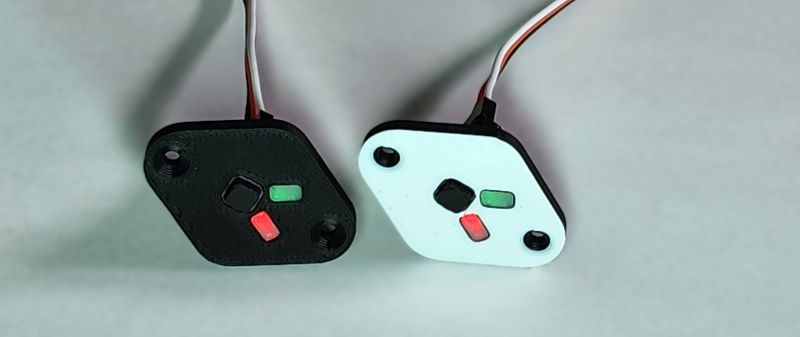
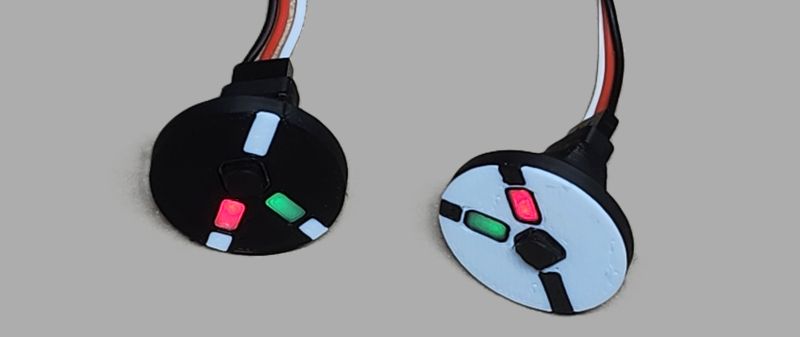
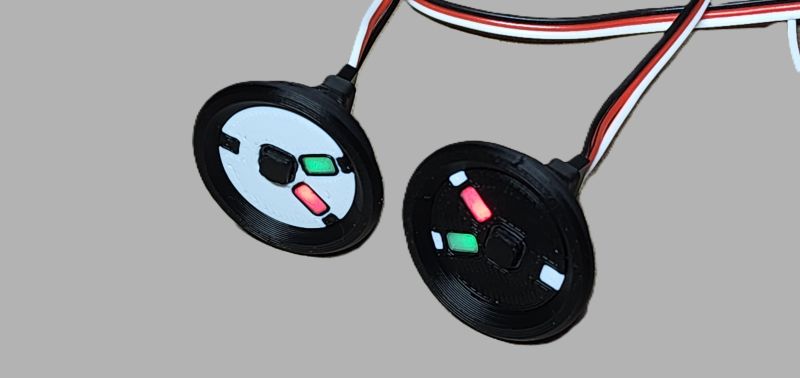
- Black or White standard colors, custom colors available
- Diamond, Round or Recessed styles
- Solid Color or with Track Lines
$9.50 $7.95 Intro special!!
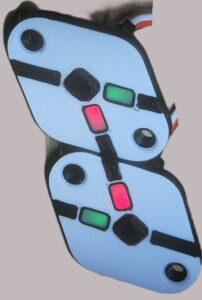
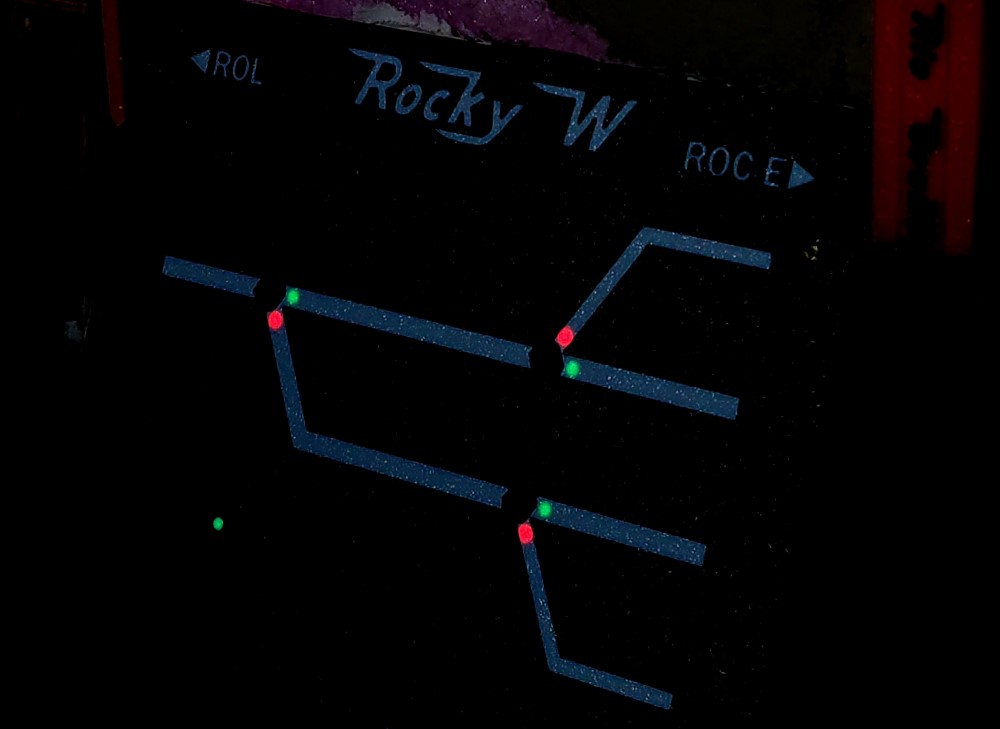
Crossover using 2 fascia controllers. If the turnouts are controlled together then the fascia controllers can be connected to the same QuadLN_S I/O using a Y cable. If each turnout is controlled separately then connect each fascia controller to its own I/O.

3D Printed Fascia Controller Features
Designed for easy mounting on the front of your control panel. Comes fully assembled with on-board pushbutton, Green-Red LEDs and drive electronics.
Rectangular LED bezels have a wide viewing angle. Two fascia controller edges are parallel to each LED bezel to make alignment with the fascia track diagram easy.
Standard colors are Black or White, with or without track lines.
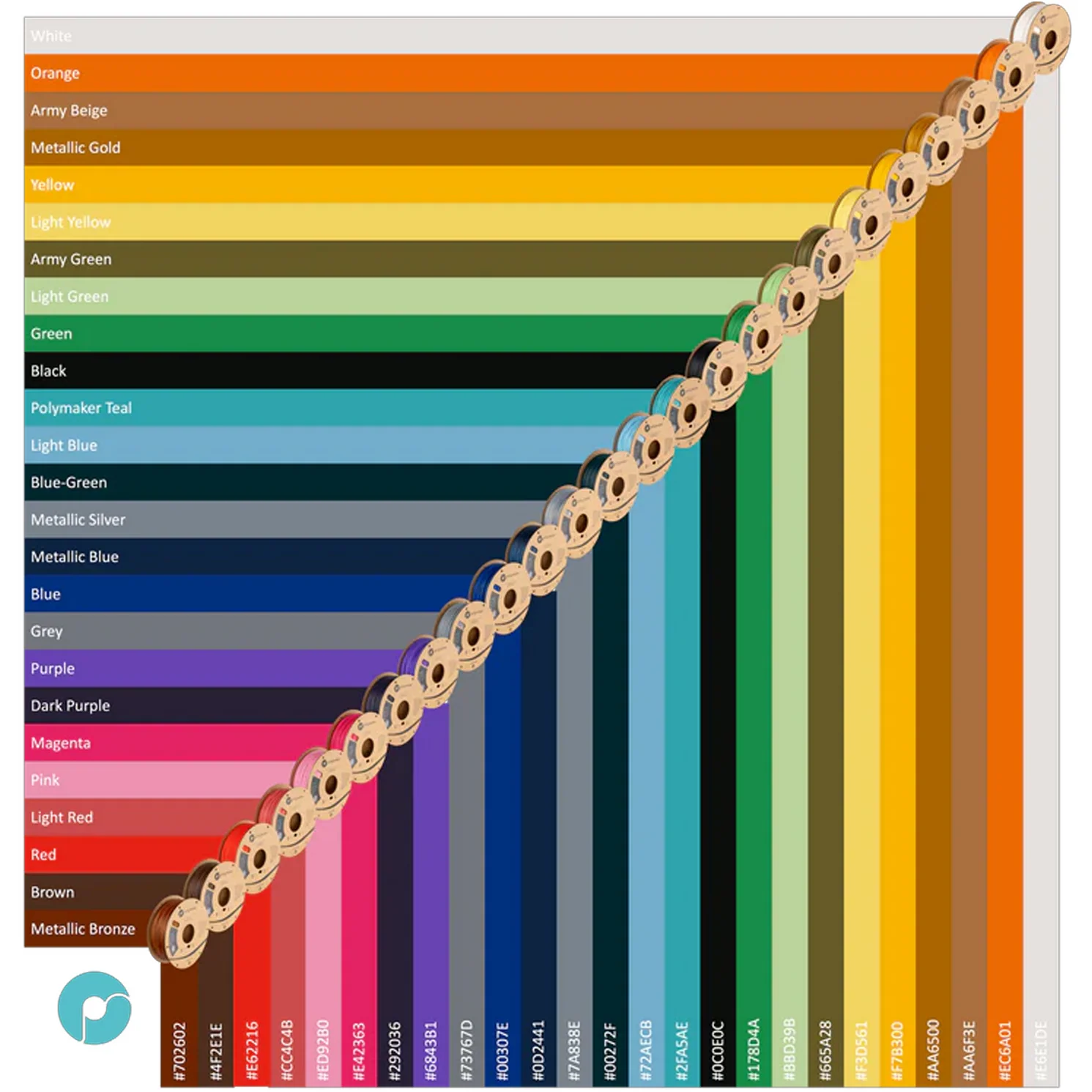
Custom colors available with color choice from custom colors chart for the front face color and/or the track line color! Contact us before placing your order so we can confirm availability of color choice(s). Minimum custom color order quantity is 4 pieces (you can mix Solid, RH and LH styles to meet the minimum).
Configured for Dual Green-Red LEDs out of the box. Change to dual Green-only LEDs with two trace cuts. Change to a single Green-Red LED with two trace cuts. See 3D-Printed Fascia Controller under Instruction Sheets on the Downloads page for the details.
Includes a 12″ cable for connection to a QuadLN_S I/O port. Add servo extension cables as needed for longer distances. Parallel multiple Fascia Controllers using Y cables.
Requires about 1″ clearance behind front edge of panel for cable and connector.
Diamond version
Diamond version mounts in 11/16″ hole. Secured with #2 screws (included) using the mounting template on the Downloads page.
Compact form factor: the distance between parallel edges 1.0″ which allows for compact layout of track arrangements like yard ladders.
Button protrudes only about 0.05″ and is difficult to accidently actuate by bumping into the fascia controller. See Recessed version below for even more button protection.
Round version
Round version mounts in 11/16″ hole. Can be attached using glue, adhesive caulk or similar.
Compact form factor: the diameter of the round version is 1″ which allows for compact layout of track arrangements like yard ladders.
Button protrudes only about 0.05″ and is difficult to accidently actuate by bumping into the fascia controller. See Recessed version below for even more button protection.
Recessed version
Recessed version mounts in 1″ hole. Can be attached using glue, adhesive caulk or similar.
Compact form factor with outer diameter of 1.25″.
Face is recessed back to the plane of the fascia. Rim stands about 0.08″ above the panel providing additional protection against accident button actuation.
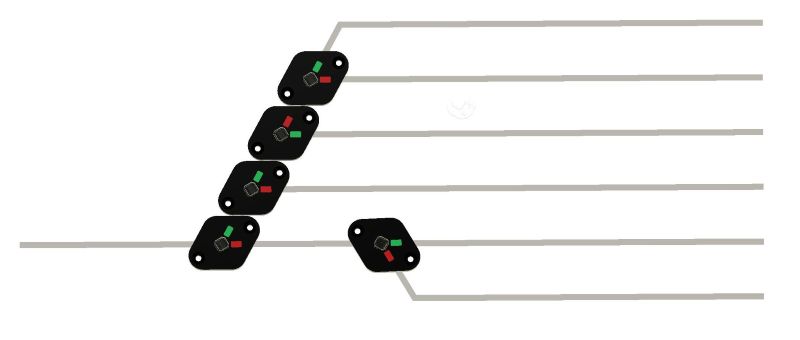
Fascia Controller for 3D Panels or other mounting that provides its own bezel

$5.50
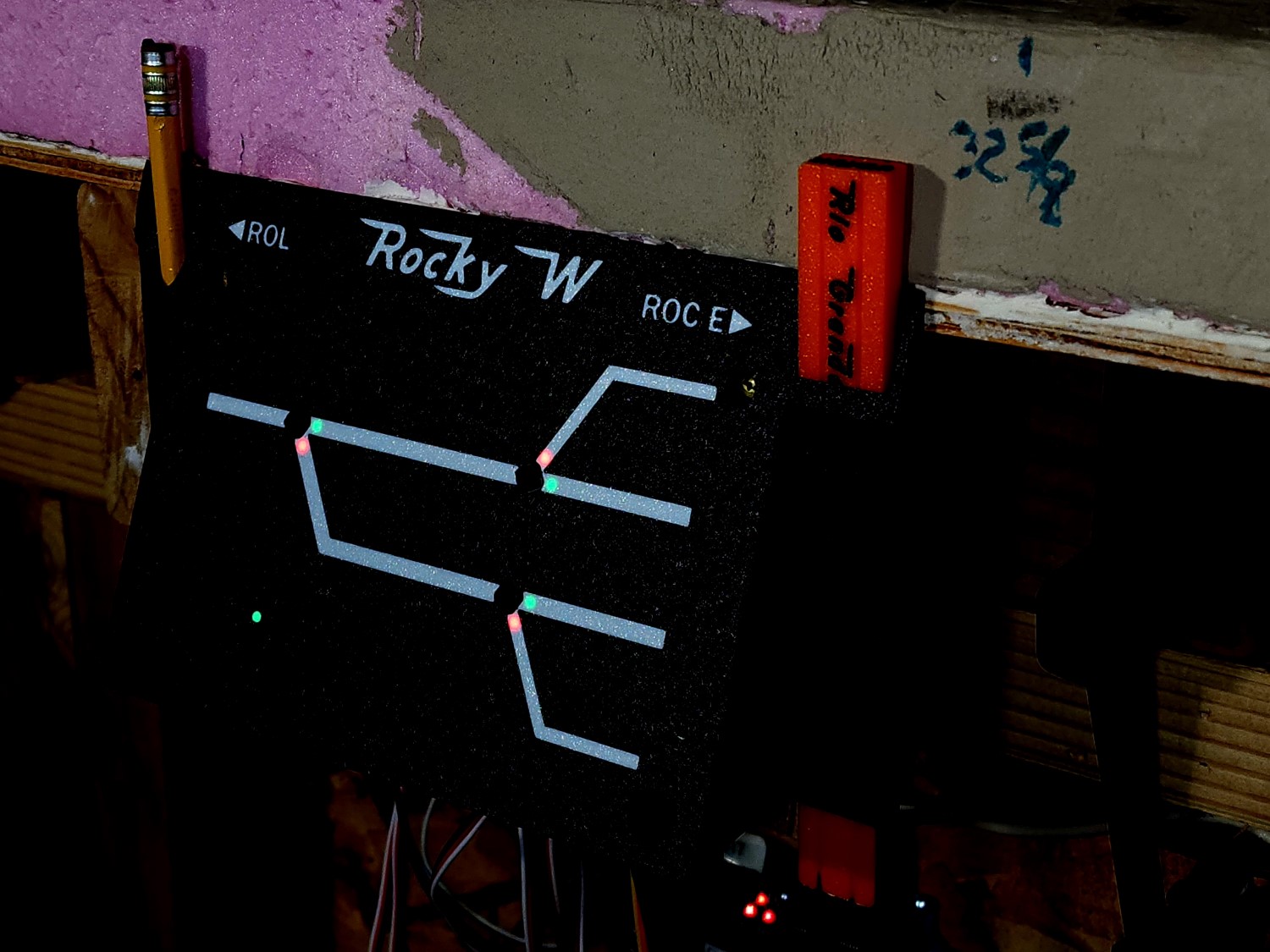
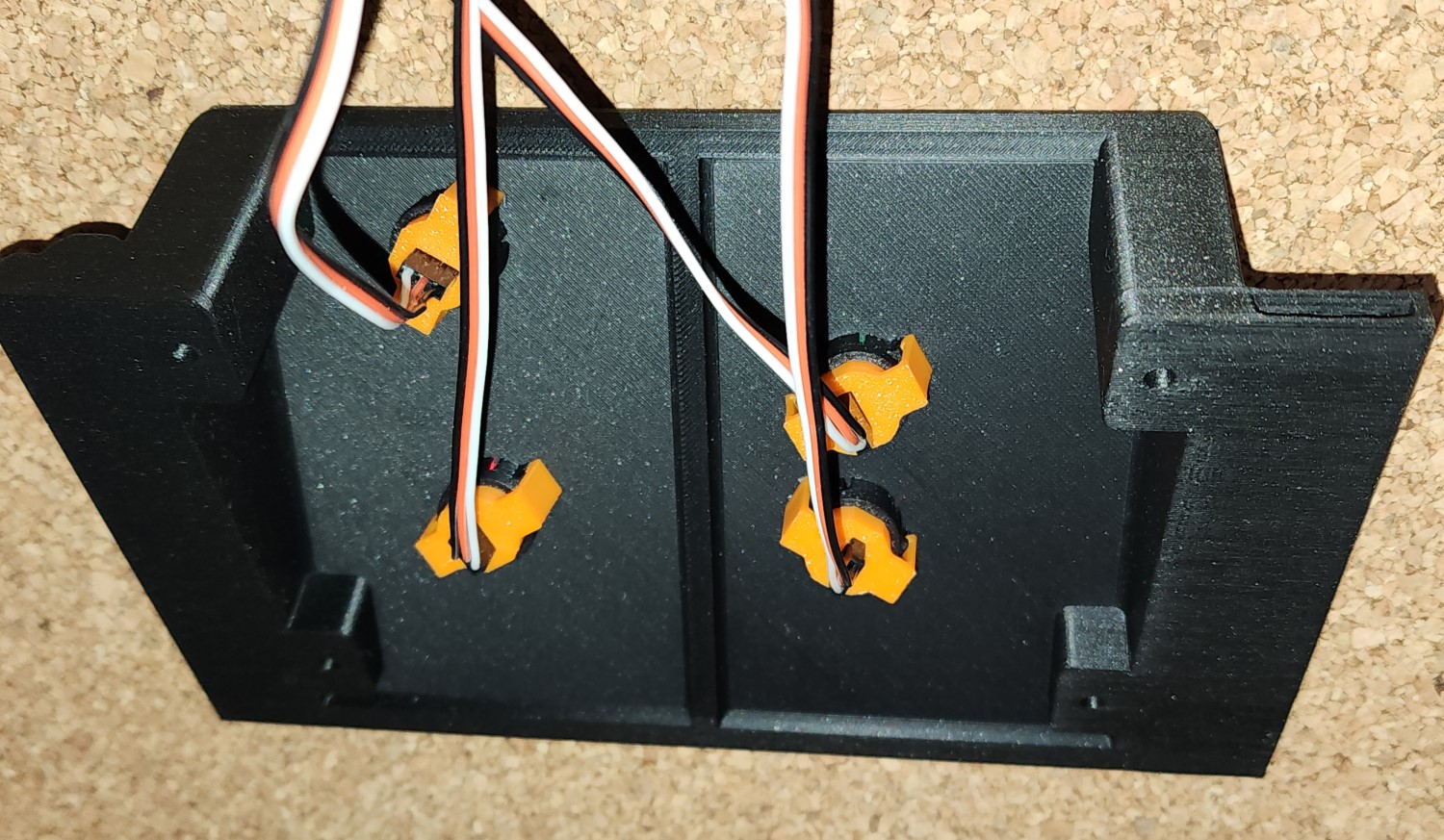
There are CAD STEP files for the fascia controller on the Downloads page to assist with designing it into your panels. It is a good idea to design some support for the cable connector housing into your mount design to prevent sideways force on the connector should the cable get tugged accidentally. In the photo above you can see that I built connector support into the clip that holds the fascia controller.
Legacy Front Mount Fascia Controller
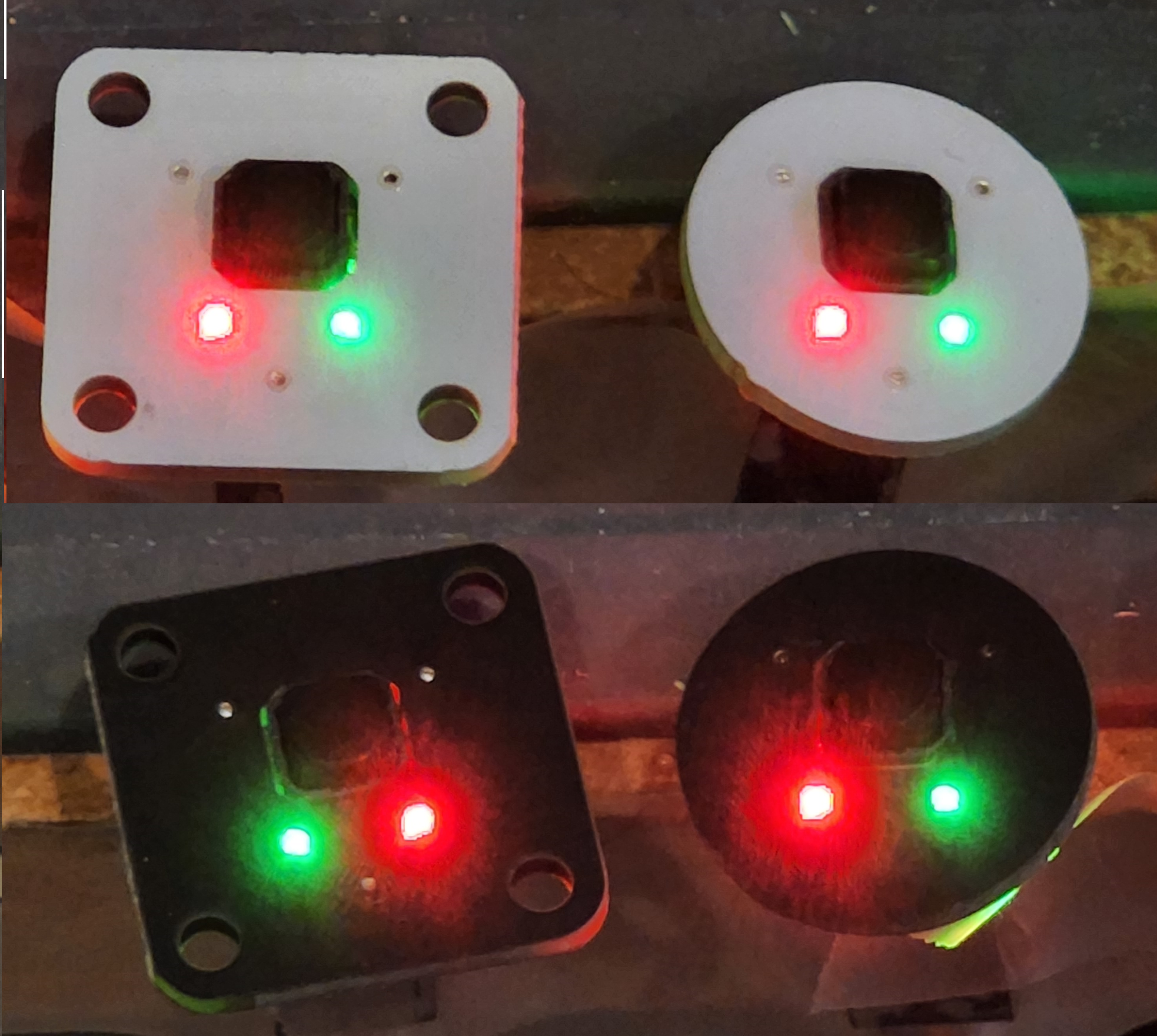
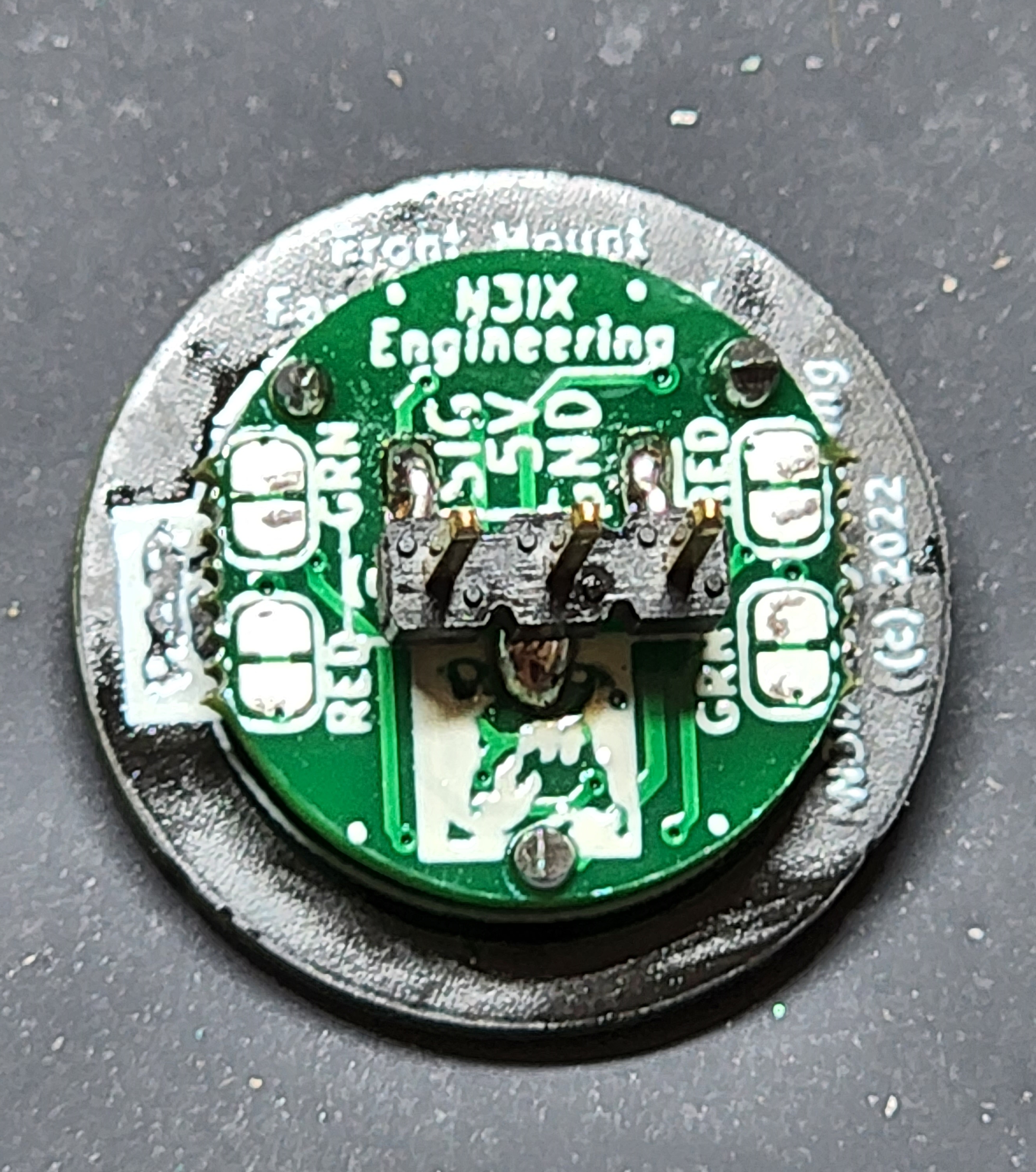
$10.95
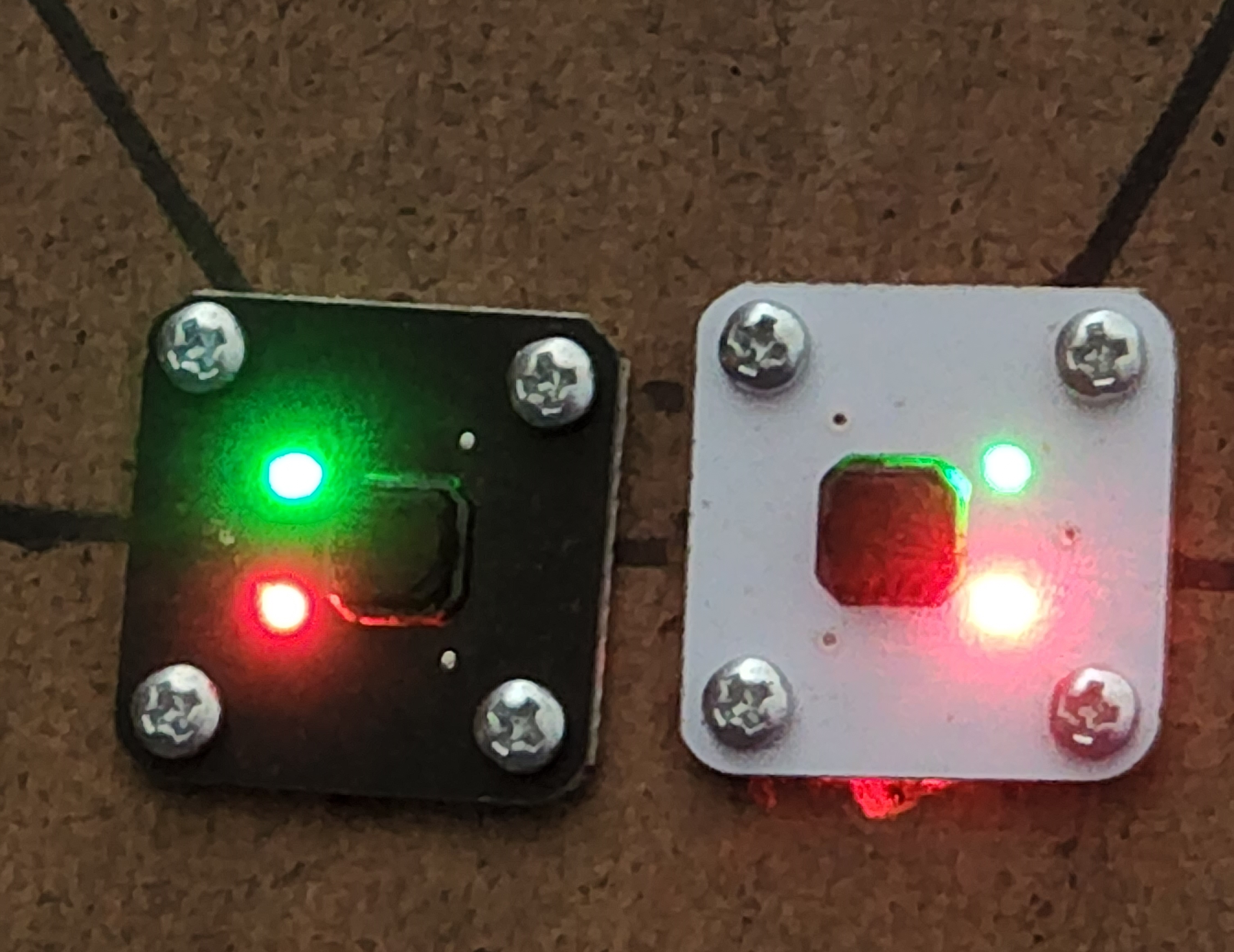
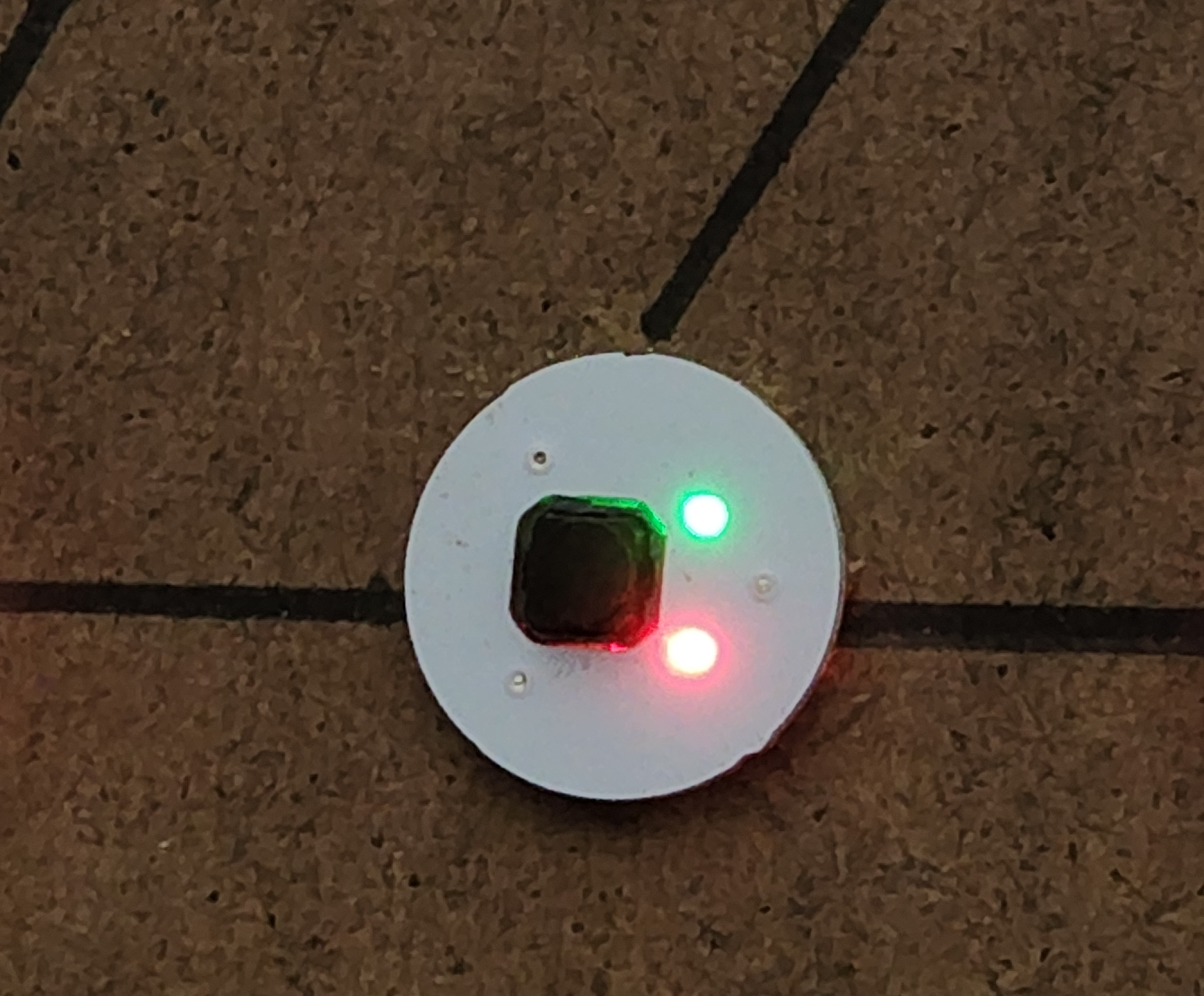
Legacy Front Mount Fascia Controller Features
Designed for simple mounting on the front of your control panel. Comes fully assembled with on-board pushbutton, Green-Red LEDs and drive electronics.
Square – 13/16″ on a side and mounts with #2 screws (included). Drill five 1/16″ pilot holes then enlarge the center hole to 9/16″ to clear the components. Use the available Drill Template (see below) for fast installs.
Round – 3/4″ diameter and mounts with caulk or glue. Drill one 9/16″ hole to clear the components.
Available in Black or White to blend with your control panel.
Configured for Dual Green-Red LEDs out of the box. Change to dual Green-only LEDs with two trace cuts. Change to a single Green-Red LED for crossovers with two trace cuts. See table below.
Includes a 12″ cable for connection to a QuadLN_S I/O port. Add servo extension cables as needed for longer distances. Parallel multiple Fascia Controllers using Y cables.
Requires about 1″ clearance behind front edge of panel for cable and connector.
Drill Template for Legacy Front Mount Fascia Controller
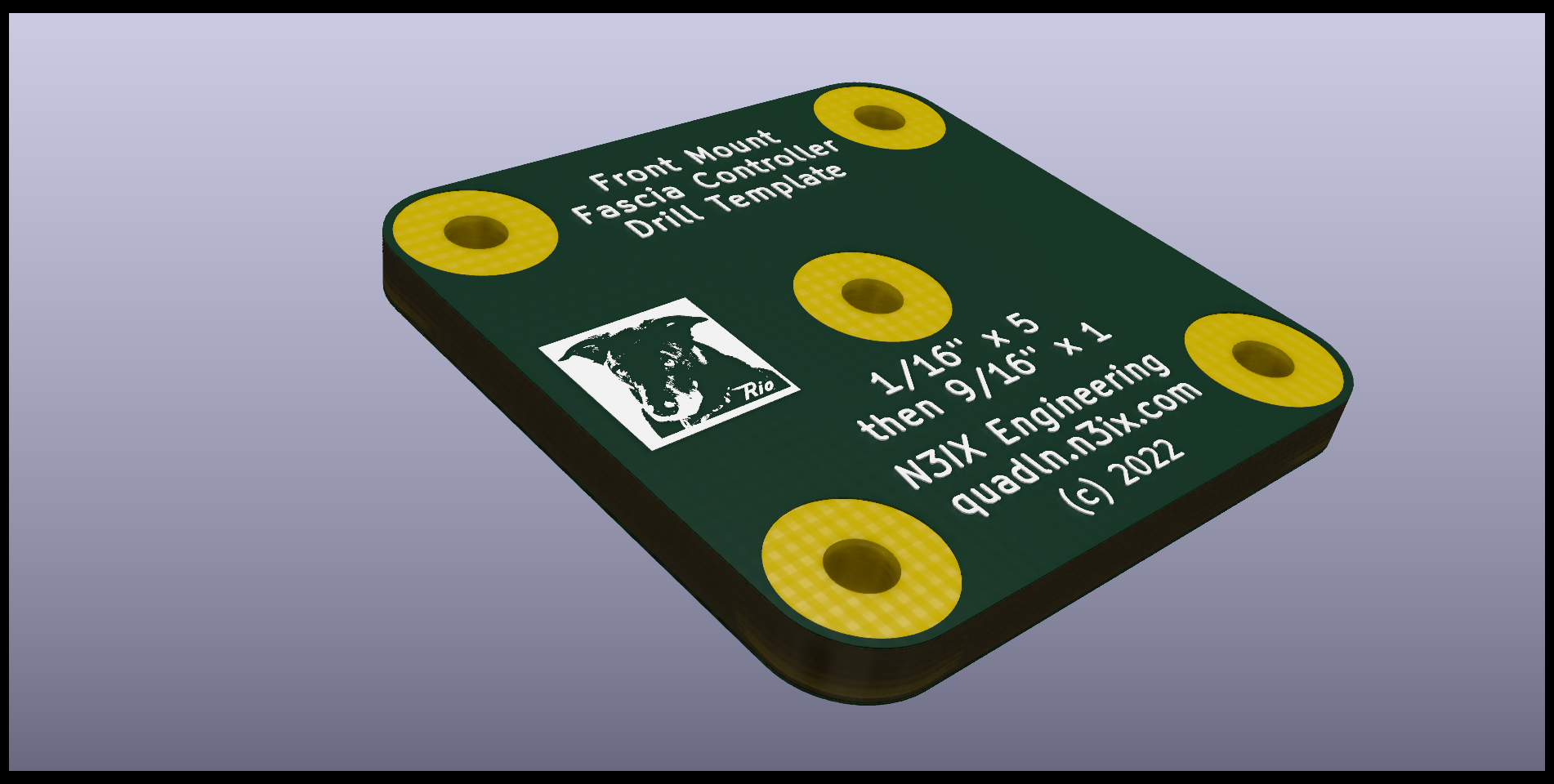
$0.50
Drill template made from pcb material for help in locating mounting holes for the square bezel version of the Front Mount Fascia Controller above.
Configuring Fascia Controllers
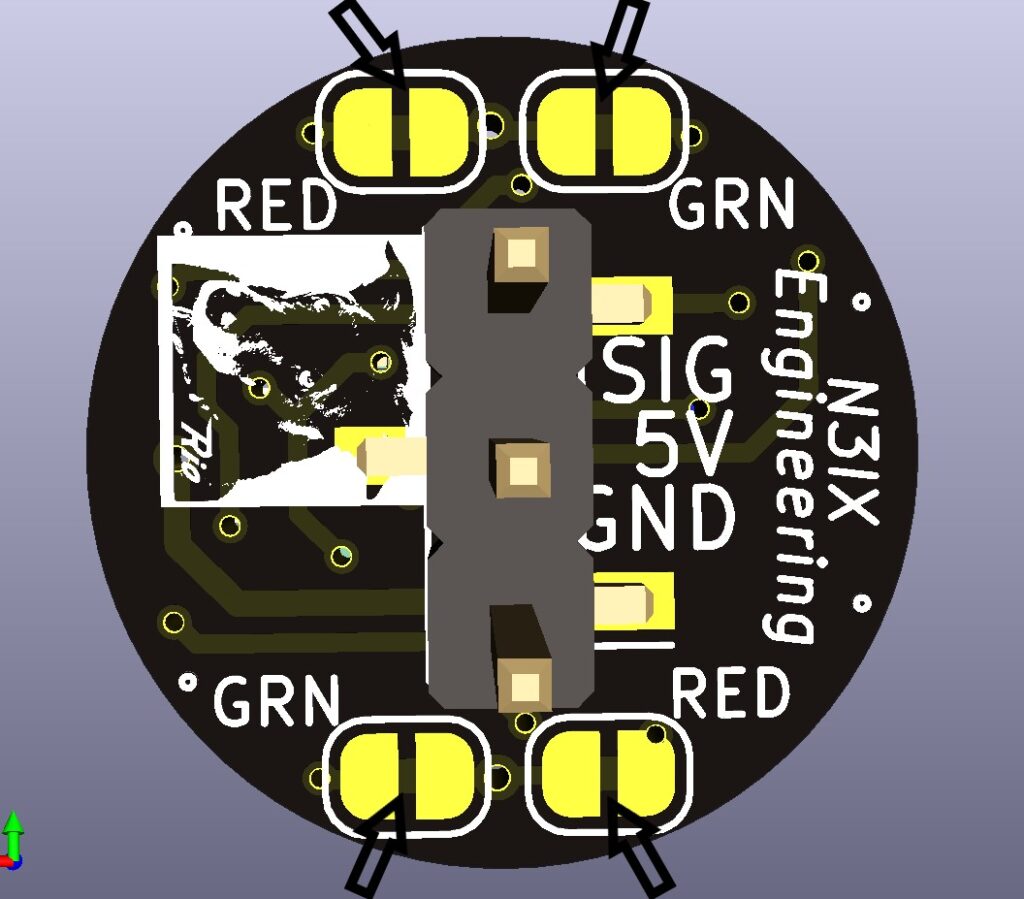
Easily configure the Fascia Controllers via trace cuts to match the trackwork or to best fit the color-vision abilities of the operators. The trace cuts are on the back of the board: GREEN trace cuts at the bottom left and top right, and RED trace cuts at the bottom right and top left. Here is a table showing three configurations.
CONFIGURATION
Default
Closed
Thrown
Single Color
Closed
Thrown
Single LED
Closed
Thrown
LED A Color
No cuts
GREEN
RED
Cut RED trace
GREEN
Not lit
No cuts
GREEN
RED
LED B Color
No cuts
RED
GREEN
Cut RED trace
Not Lit
GREEN
Cut BOTH traces
Not Lit
Not Lit